


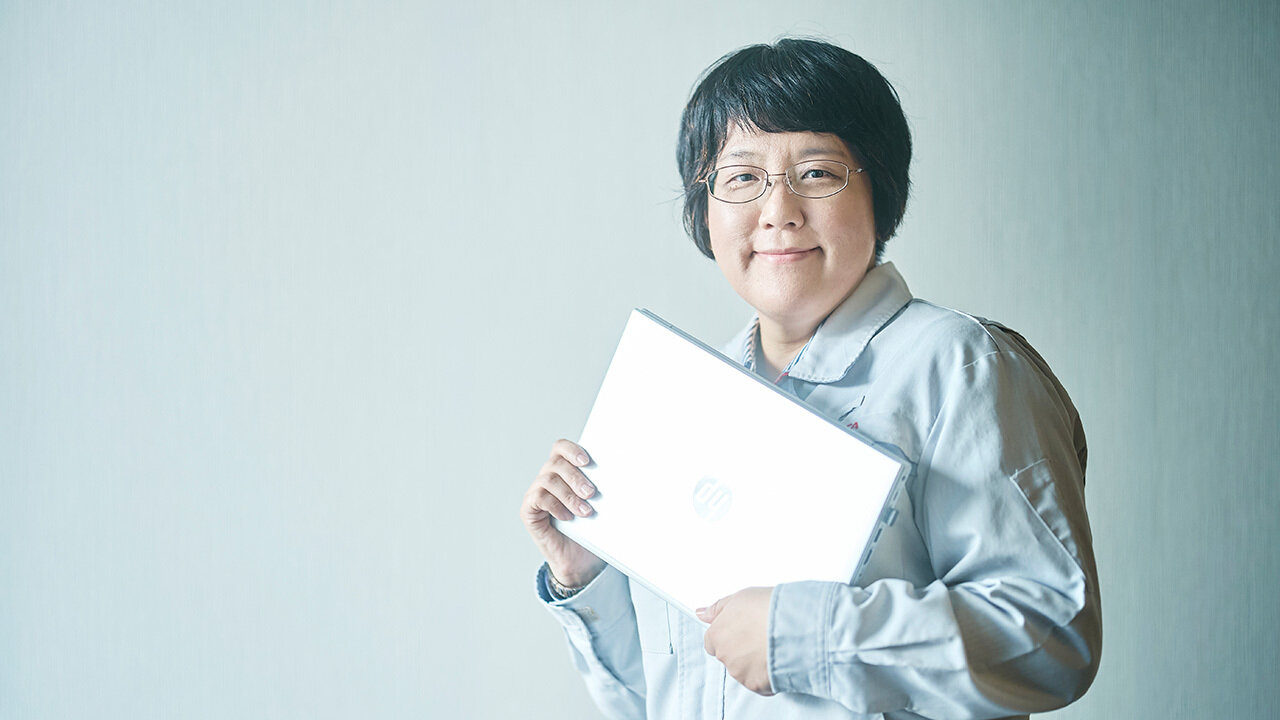
Toyota's Creative Idea Suggestion System makes work more enjoyable and engaging. Discover how one employee created AI prompts to improve meeting quality and her own speaking habits--a story of kaizen (continuous improvement) anyone can learn from.
“What was supposed to be a 30-minute meeting ended up lasting an hour. And we still didn’t decide anything...”
Sound familiar?
Meetings run long. Discussions wander off track. The session ends before you’re able to get your point across. These are frustrations that just about anyone in the workplace can relate to.
Hikaru Yamada, who works in Toyota’s Advanced Product Development Division, was no different. She decided to tackle the problem by turning to AI. What’s more, she started by asking AI itself how to write prompts—the instructions we give to AI.

This time, we share a creative idea from Toyota’s technical admin teams—one that anyone can try for themselves.
Discovering AI while running a 40°C (104°F) fever
Yamada works in the Design Process Autonomation Department, which develops design tools to help people in different roles across vehicle development work with a shared understanding.
Although Yamada had long been interested in digital technology, her fascination with generative AI was sparked by a rather unexpected turn of events.
In 2024, she came down with mycoplasma pneumonia and was bedridden for about a week with a fever of 40°C (104°F). Unable to move around and looking for a way to pass the time on her smartphone, she made the following request to ChatGPT:
“I’m having an awful time with mycoplasma pneumonia. Can you turn the bacteria responsible into a human character?”
Yamada had imagined a terrifying, demon-like figure wielding a spear. To her surprise, AI generated an image of an adorable little girl, about five years old, playing happily in a snowy landscape.

“In my mind, it was supposed to look like the Grim Reaper, but out came this adorable little ‘Myco-chan’ (laughs). I became fascinated by how much the result could vary depending on how you asked.”
AI could offer answers that went beyond her own preconceptions. Fascinated by this, Yamada began chatting with AI almost every day. Before long, this experience also proved useful in her work.
Asking AI for help: “Here’s what I want to do”
One area that Yamada had long wanted to improve was the way that meetings were run.
“We’d sometimes spend an hour talking in a meeting that was supposed to last 30 minutes, or leave without deciding anything at all. We weren’t making good use of our limited time, and that felt like such a waste.”
Even so, it’s not easy for one employee to step forward and say, “Let’s change how we run meetings.” Instead, Yamada hit on the idea of asking AI to evaluate the meetings from an outside perspective. To do this, she used Toyota’s internal generative AI tool, Toyota AI Assistant (TAA)*.
*As of October 2026, TAA is scheduled to be relaunched as TOYOTA AI Agent.
However, she did not jump straight into writing complicated prompts.
“First, I asked TAA, ‘I want to make something like this. How should I go about it?’”
From there, Yamada and the AI assistant went back and forth over some 10 to 20 exchanges: “How about this?” “That’s not quite what I mean.” She also consulted Copilot, another generative AI tool used within Toyota, and combined the best suggestions from both.
“It feels like chatting with the colleague sitting next to you. Even if you don’t know where to begin, just start talking to AI. You don’t need to have your thoughts perfectly organized.”
Not sure how to ask AI for help? Ask AI how to ask! It’s a simple but important tip that beginners can easily overlook.
Better meetings, better communication
In December 2025, Yamada completed her prompt for evaluating meeting quality. To use it, simply paste the meeting minutes at the end of the prompt and submit the whole thing to AI.
However, the minutes alone may not reveal certain details, such as how long the meeting was scheduled to last or whether the agenda had been shared in advance. To solve this problem, Yamada instructed the AI to ask questions if any information was lacking.
Her request to the AI centered on the following:
Key features of the meeting quality evaluation prompt
- After receiving the prompt and meeting minutes, asks how long the meeting lasted and whether the agenda was shared in advance
- Uses a five-point scale to rate aspects such as how the discussion was conducted and how clear the conclusions were
- Does not criticize individual participants by name
- Offers three practical suggestions for improving the next meeting
The result was a system that offered an outside perspective on what worked well in a meeting and where there was room for improvement.
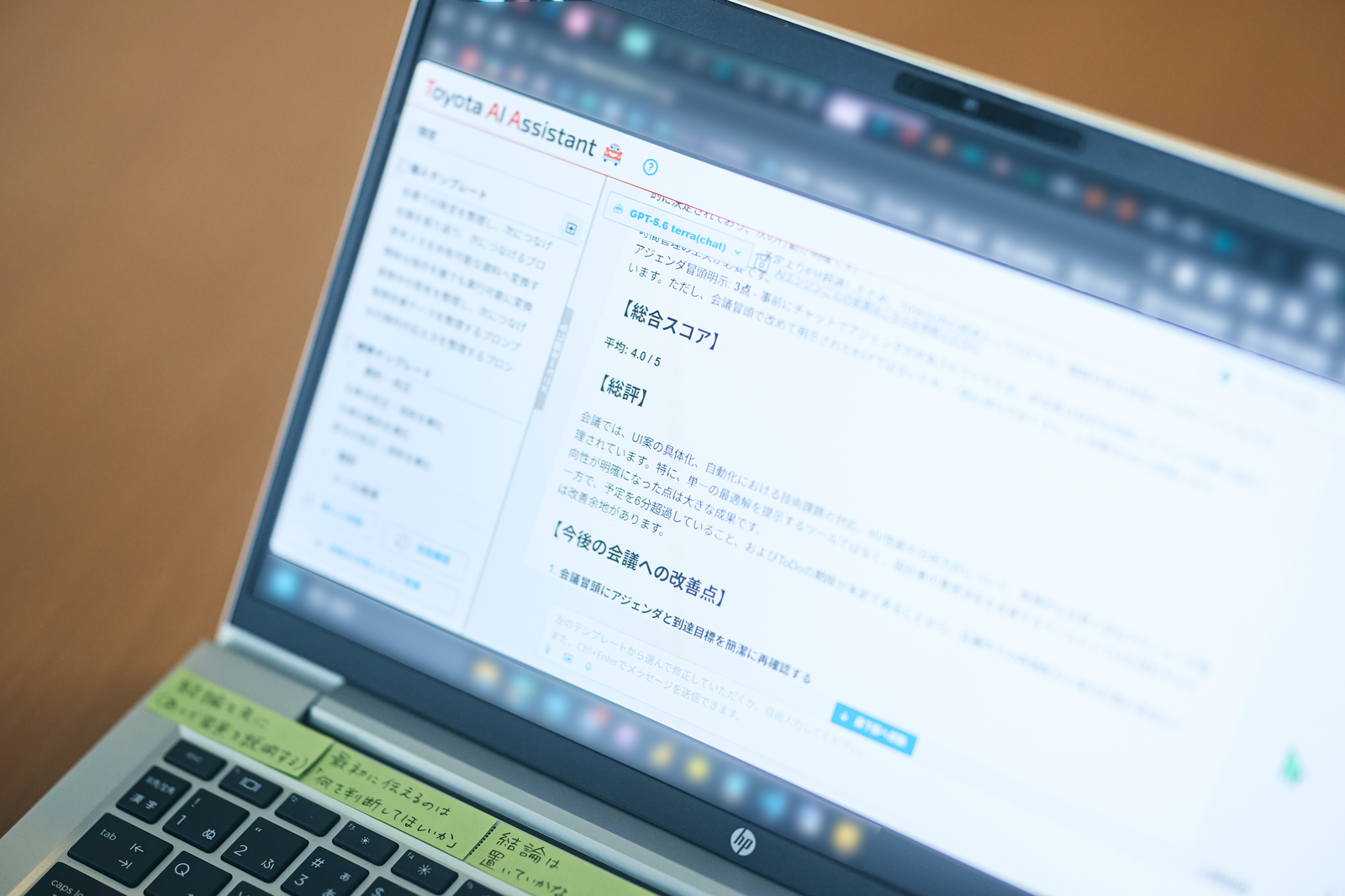
“I chose to use scores so I could see the results of our improvements. But overly harsh feedback can be discouraging, so I asked AI not to be too critical.”
Trying the system on actual meetings, Yamada found that the AI’s feedback matched her own impressions. Right away, she began putting its advice into practice.
“For regular meetings with colleagues I know well, I started preparing and sharing an agenda in advance, outlining the topics and how much time we had for them. As the scheduled end time approaches, I now remind everyone that it’s time to wrap up. I also make sure we finish by confirming who will do what.”
These were all just minor tweaks, but their impact exceeded expectations. In just one or two months, the average meeting score rose from 3.6 to 4.5 out of 5.
“Actually, I was the only one looking at the results. Just one person doing a few things differently can make the entire meeting better. I was quietly smiling to myself (laughs).”
Encouraged by this success, Yamada decided to create another prompt, this time to analyze how she spoke in meetings. Rather than evaluating the meeting itself, the new prompt focused on improving her communication skills.
“I tend to start by explaining the background, so I end up talking for too long. Even though I knew I should lead with the conclusion, I couldn’t seem to break the habit. I was also concerned about how often I used filler words like ‘um’ and ‘uh.’”
To address these concerns, Yamada decided to feed her meeting transcripts into AI and ask it to analyze how she spoke.
Key features of the prompt for analyzing speaking habits in meetings
- Identifies strengths in the user’s communication
- Analyzes speaking habits, such as the use of fillers like “um” and “uh” and the tendency to speak at length
- Checks whether the conclusion is stated first
- Offers constructive advice in positive, encouraging language
For this prompt, she deliberately chose not to use a scoring system.
“Speaking habits develop over many years, so you can’t fix them overnight. Rather than being given a score, I find it more helpful to hear about the things I can do to gradually get better.”
Psychological safety was a priority for Yamada. She wanted to ensure that the AI’s feedback would not hurt people’s feelings or discourage them from improving, which is why the meeting evaluations were set up to avoid naming individuals. The goal was not to blame anyone, but to help everyone improve, little by little. What Yamada wanted was an AI that was kind and supportive.
To remind herself of what she has learned from AI, Yamada keeps three sticky notes on her laptop.
“Lead with the conclusion (explain the background later)”
“Start by stating what decision you need”
“The conclusion is a map that helps everyone follow along”
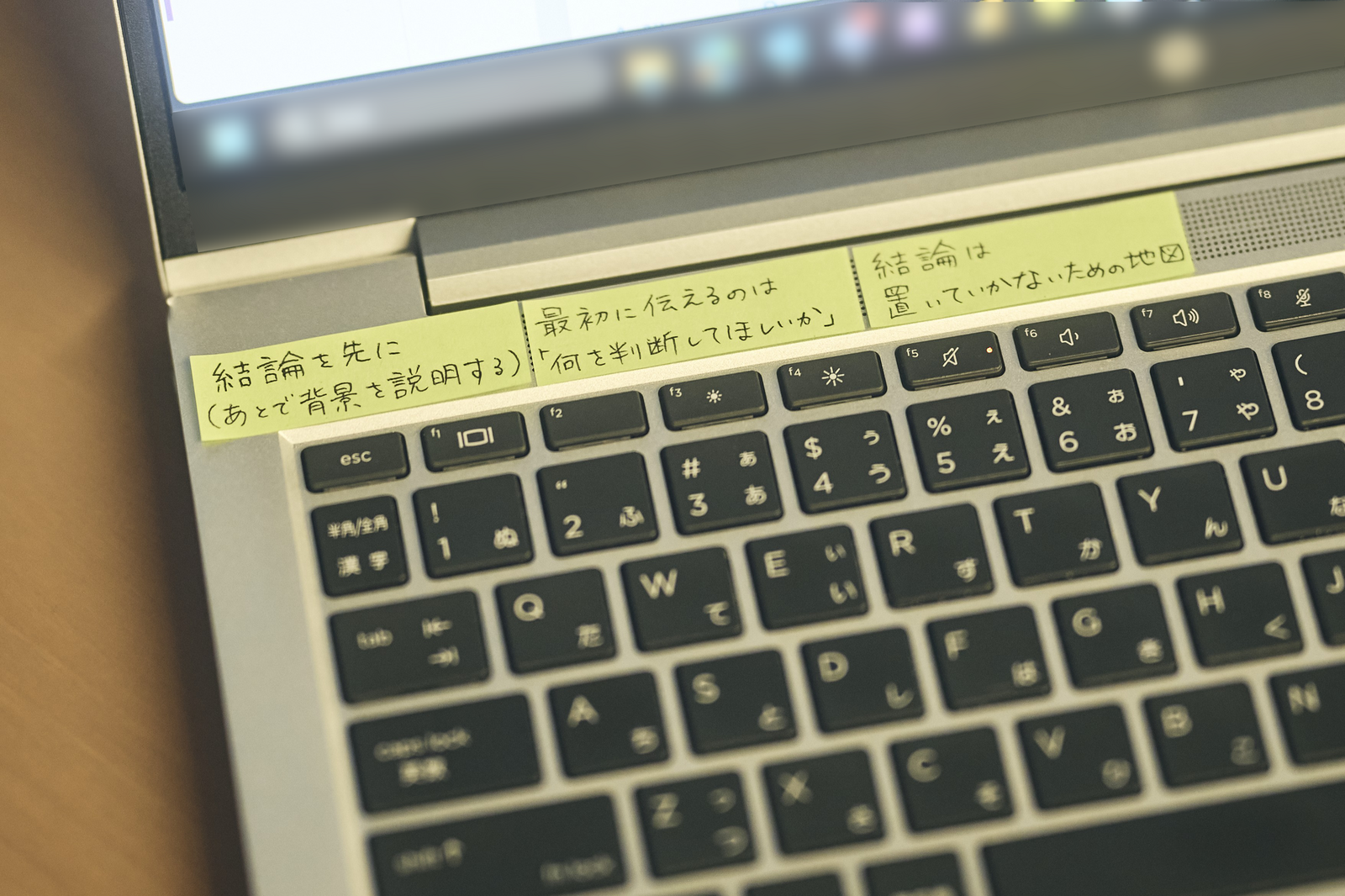
Cutting-edge AI, and yet it all comes down to handwritten sticky notes! But it’s these small actions that keep kaizen going.
Making someone smile is kaizen, too
Both of Yamada’s prompts are now available on an internal prompt-sharing site called “Prompt Forest,” where Toyota employees can freely share and use one another’s creations. Bringing together the ideas and ingenuity of individual employees, the site taps into Toyota’s collective intelligence.
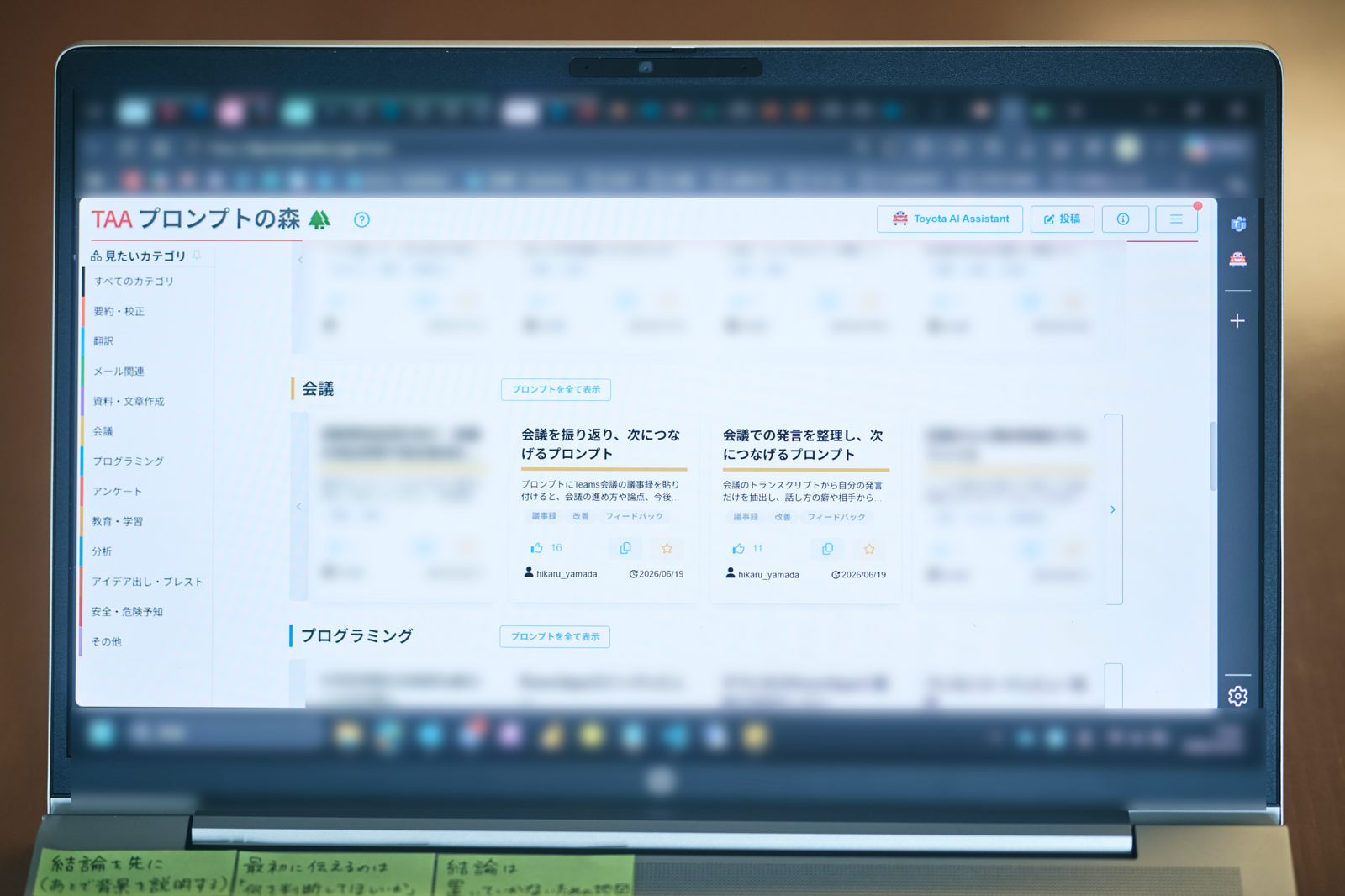
Yamada says she would initially have been happy if “two or three people” used her prompts. But when she introduced them at internal sessions for sharing workplace initiatives, the response took her by surprise.
“People told me things like, ‘I tried it right away,’ and ‘I’ve been struggling with the same issues, so I’d love to try it.’ When someone told me they wanted to share it with their whole group, I was really glad I’d created the prompts.”
In fact, Yamada had previously found it difficult to submit ideas through the Creative Idea Suggestion System. In an administrative role like hers, she wasn’t sure what kinds of improvements she could propose. But this experience has changed her mindset.
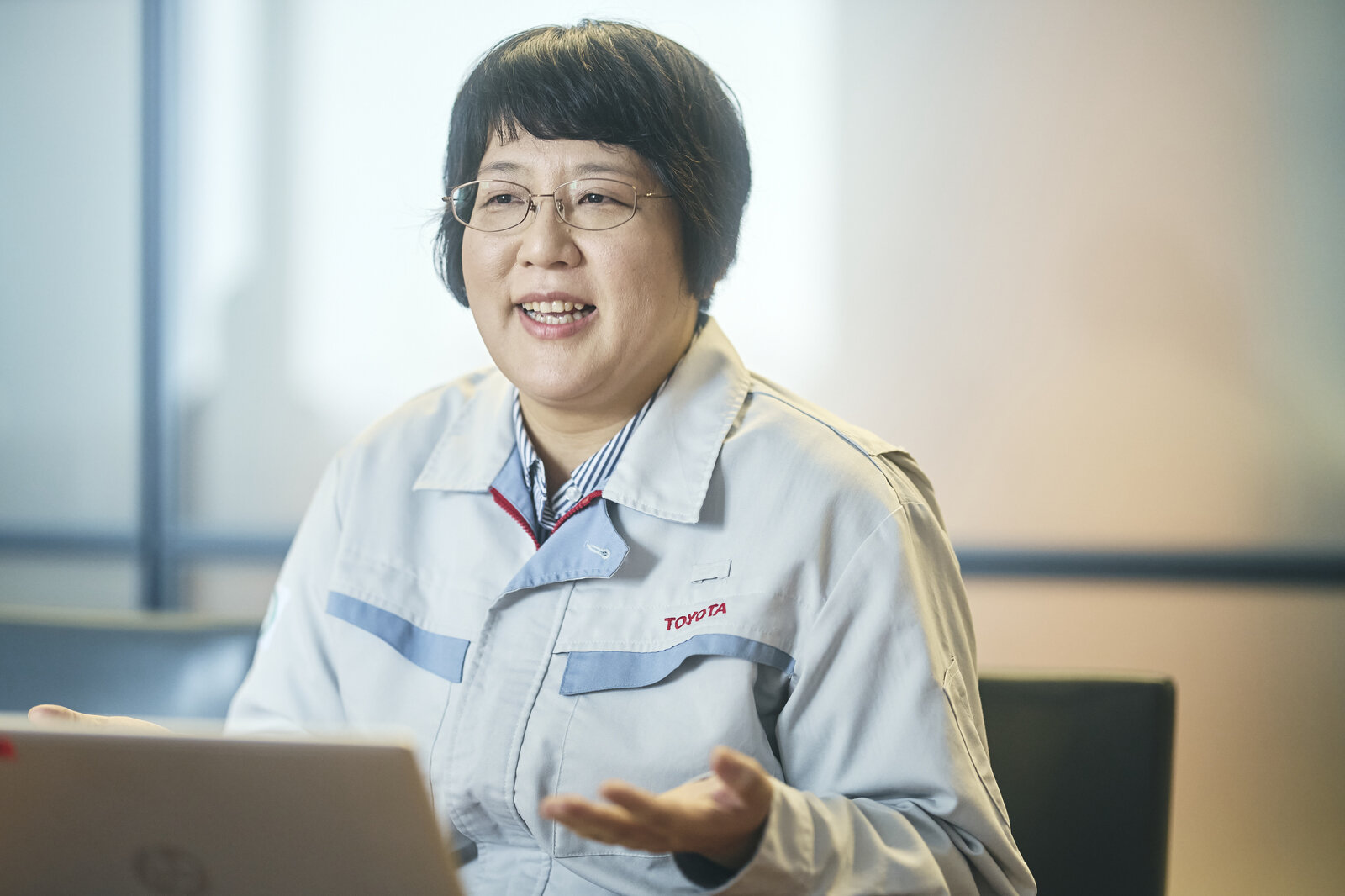
“Making things a little easier for yourself or those around you, giving people a little more breathing room. Bringing a smile to someone’s face or helping them get home earlier. I’ve come to think that any idea that brings these little moments of happiness counts as kaizen—a creative improvement in its own right.”
Creative ideas don’t have to involve sophisticated technology or elaborate systems. They can grow out of small, everyday frustrations. Why not start by telling AI, “Here’s what I want to do”? That simple conversation might spark an idea that changes your workplace.